Use CapitalDart in Claude.
Connect once, then ask Claude to find investors, get verified contacts, and draft outreach, powered by CapitalDart's proprietary directory. Your deals, pipeline tracking, and Investor Readiness Reports live on capitaldart.com.
Four steps, about two minutes.
- STEP 01
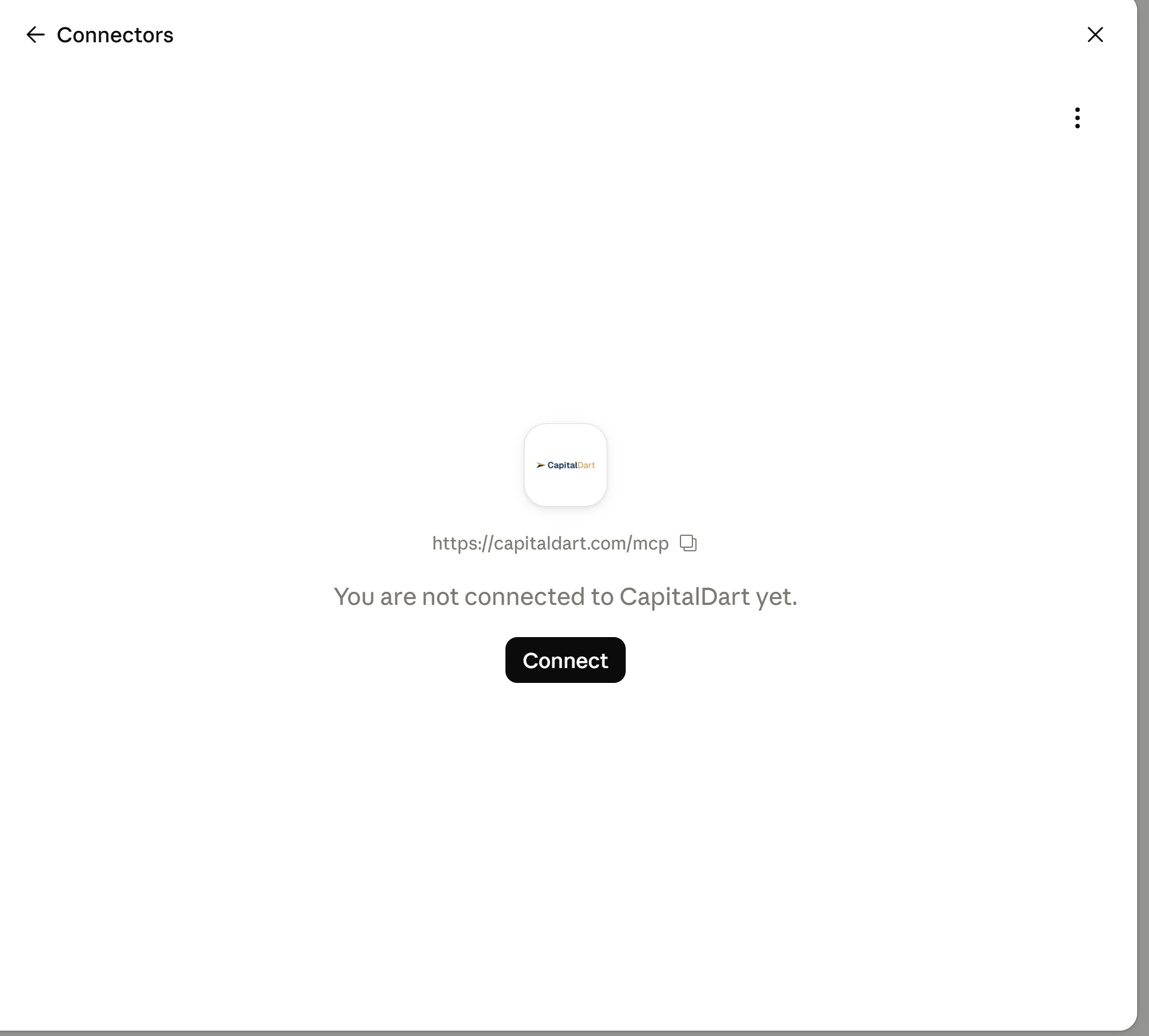
Open Claude Connectors
In Claude, click your initials in the lower left corner, choose Settings, then Connectors, and click Add and select Custom. On the mobile app, Settings is under the menu.
- STEP 02
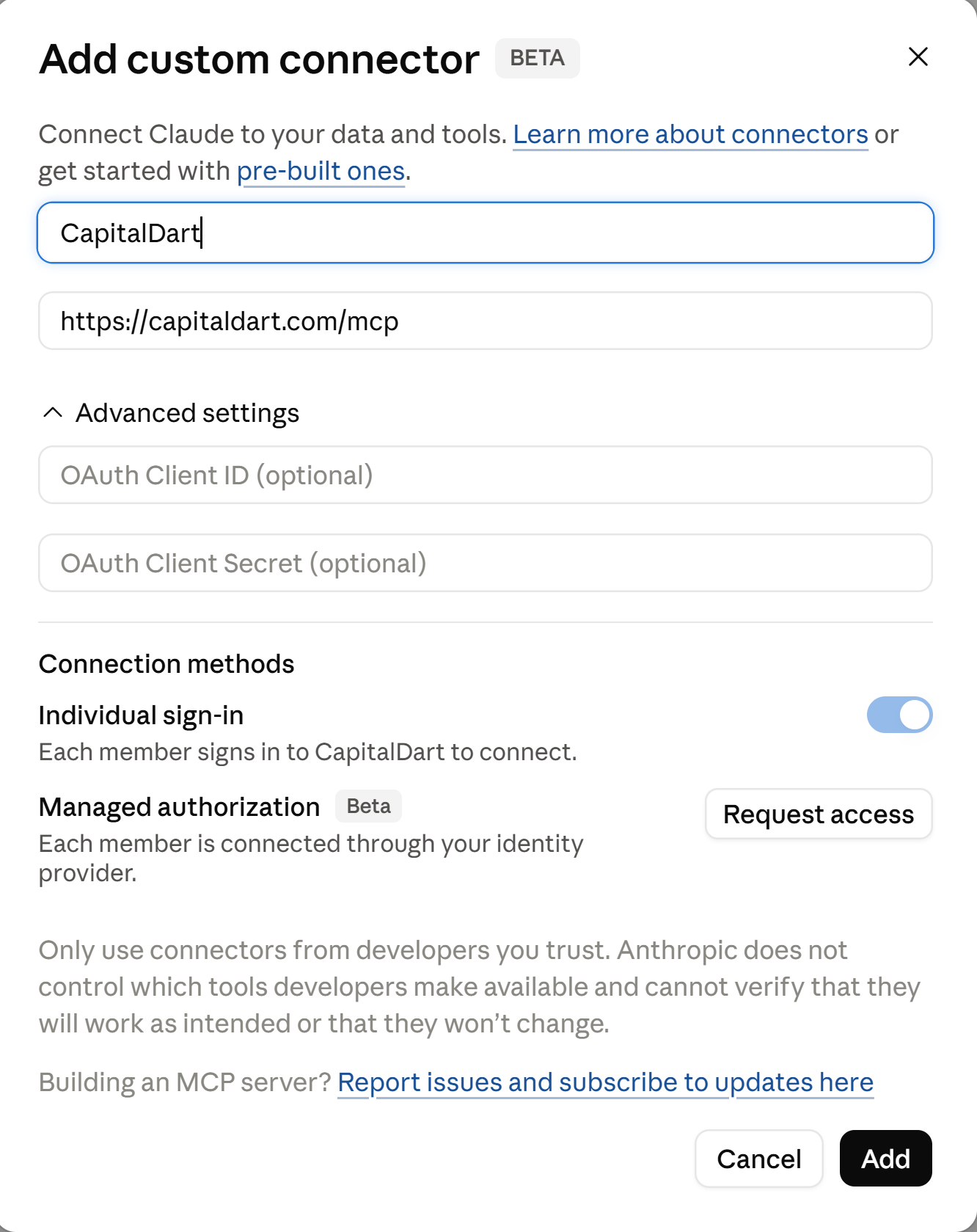
Name it CapitalDart and paste the link
Name it CapitalDart and paste this link into the connector URL field.
- STEP 03
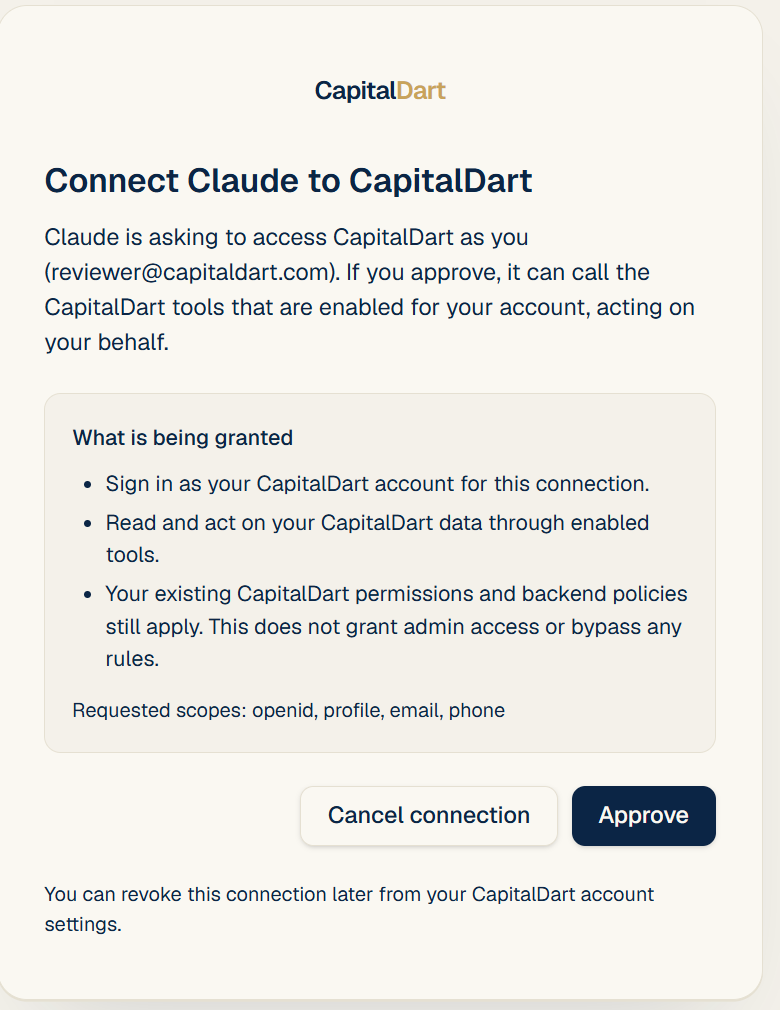
Sign in and approve
Click Connect, sign in with your CapitalDart account or create one, and click Approve on the CapitalDart consent screen.
- STEP 04
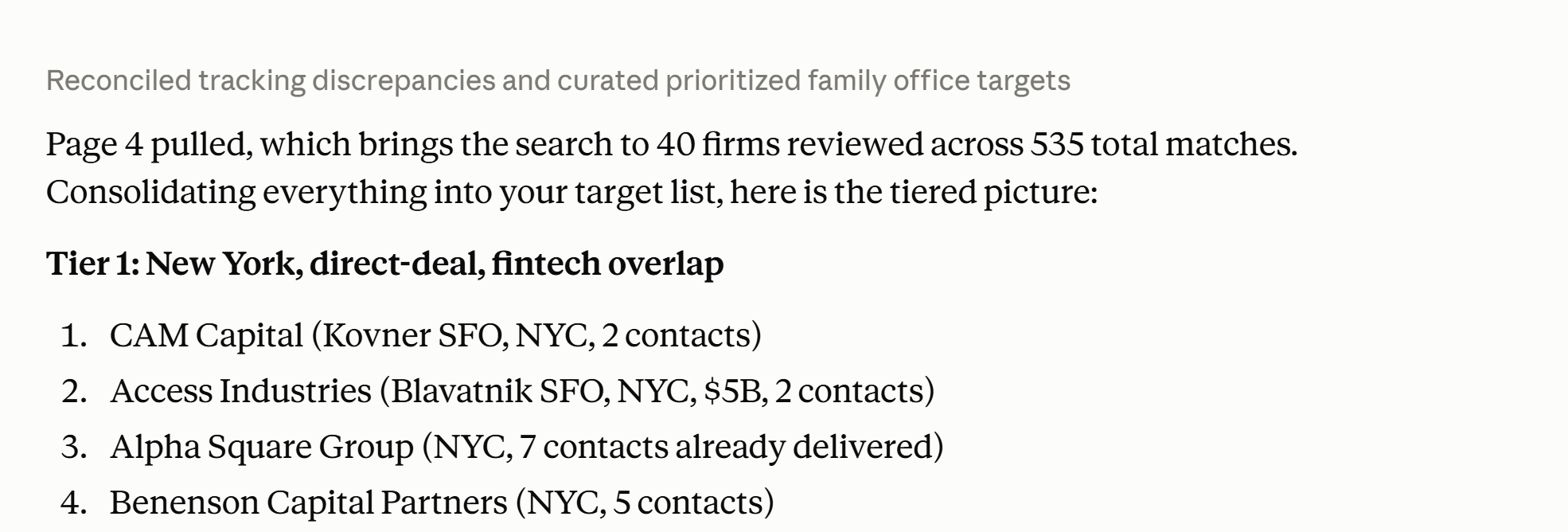
Start asking
In a new Claude conversation, try:
"I'm raising $10M of equity for a fintech company in New York, targeting family offices. Find investors for me."
Your entire raise, wired to your CapitalDart account.
Describe a raise
Give Claude a plain-language description or upload your deck and get back a structured targeting plan covering sector, check size, structure, and geography.
Find investor firms
Get ranked institutional investor firms from CapitalDart's proprietary directory, with honest deliverable contact counts per firm. Browsing firms is free.
Build and deliver
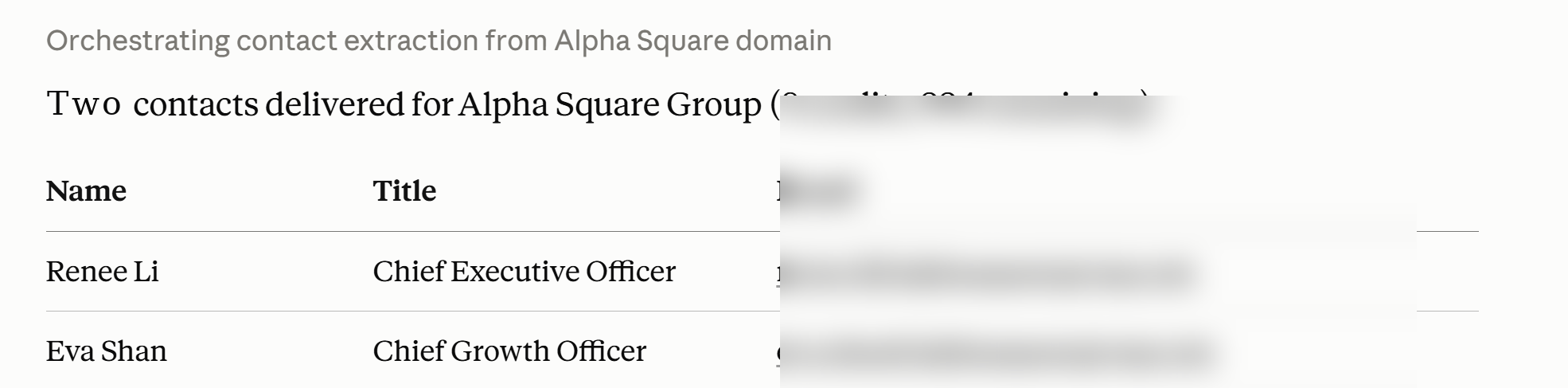
Turn the plan into a deal on your account and start delivery: CapitalDart identifies the right contact at each matched firm and drafts personalized email and LinkedIn outreach in your voice, delivered to your inbox and dashboard.
Manage the raise
Track delivery progress, fetch your outreach package, log notes, and update each investor's status from chat. Everything stays in sync with your dashboard at capitaldart.com.
Edit anytime
Update the deal's description, documents, or targeting from chat, and deliver additional contacts whenever you are ready. Previously delivered firms are excluded automatically.
Investor Readiness Report
Ask Claude for an AI analysis of your deck: a readiness score, the objections investors will raise, and the changes that answer them, with the full report in your dashboard.
Approval prompts are normal
Claude may show you the details of each request before it invokes a tool. That is normal. You can choose Always allow to skip the prompt for a given tool.
Reconnect is safe
If a tool ever reports a connection problem, reconnect from Settings, then Connectors, then CapitalDart, and continue. Reconnecting never loses your work.
Never charged twice
Contacts you have purchased are never charged again, on any device, in any conversation.
Your Claude connection uses the same account and credit balance as capitaldart.com. Buy credits at capitaldart.com/buy-credits and they are available in Claude immediately, no reconnect needed.
Ready for the full workflow?
Upload your deck at capitaldart.com for matched investors, outreach drafts, an Investor Readiness Report, and a pipeline to track it all.
Get started at capitaldart.com